

Description
Ettrick Escape Room Booking gives escape room venues everything they need to take bookings and collect payments directly from their own WordPress website — no monthly SaaS fees, no commissions on bookings.
Free Version Features
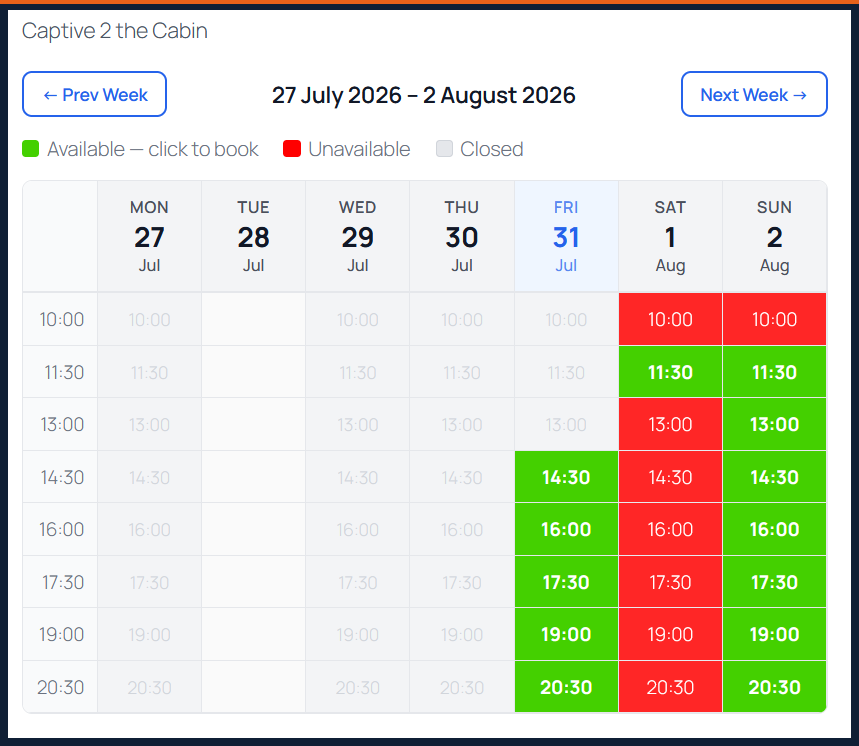
- Weekly availability calendar — clean, mobile-friendly calendar showing available and booked slots with week navigation
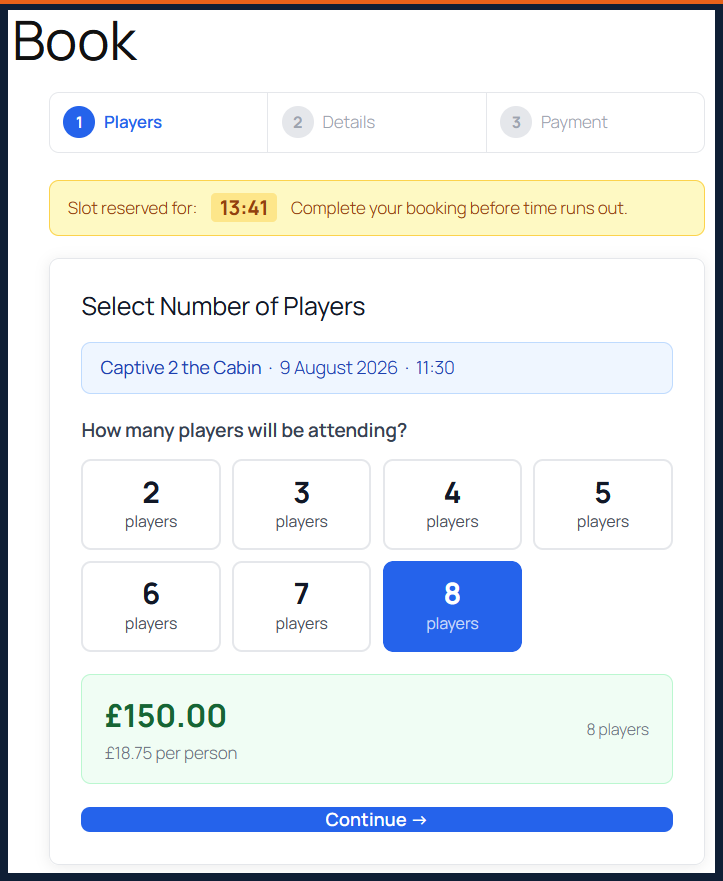
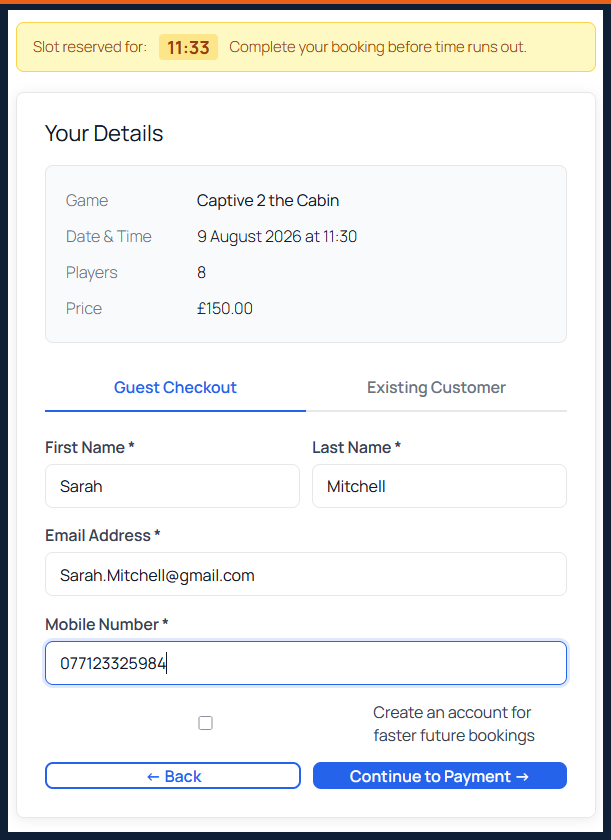
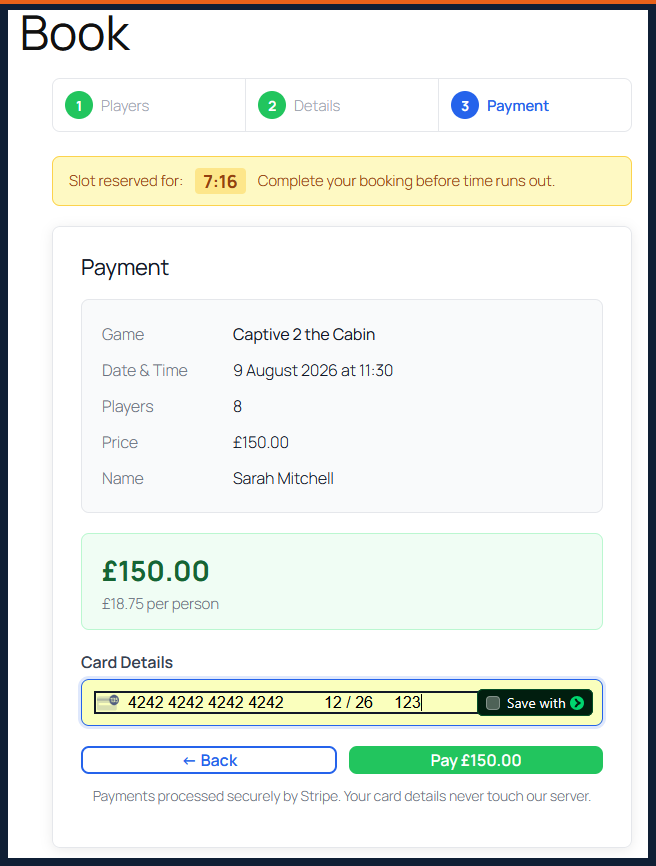
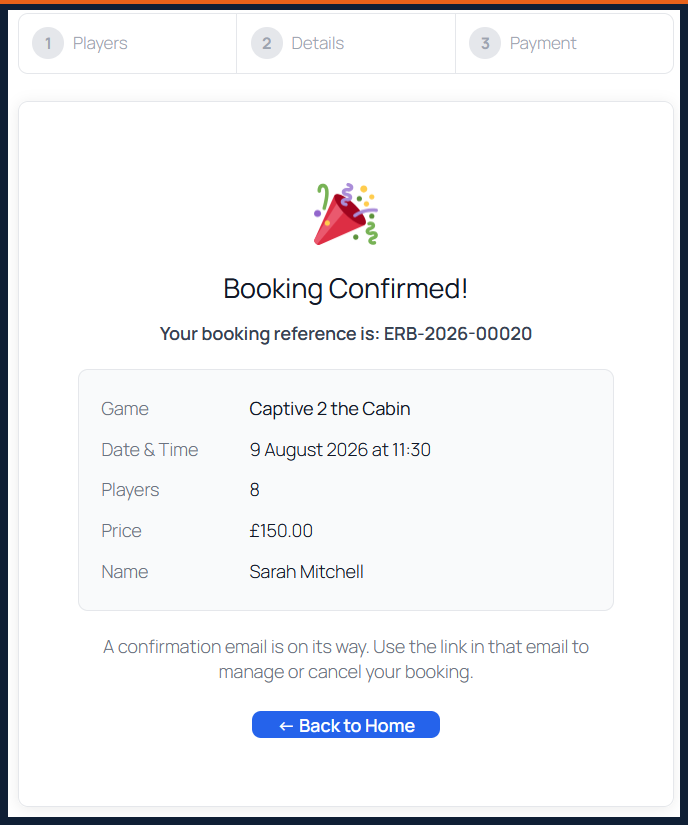
- 3-step booking flow — player selection with live price updates, Stripe payment, instant confirmation
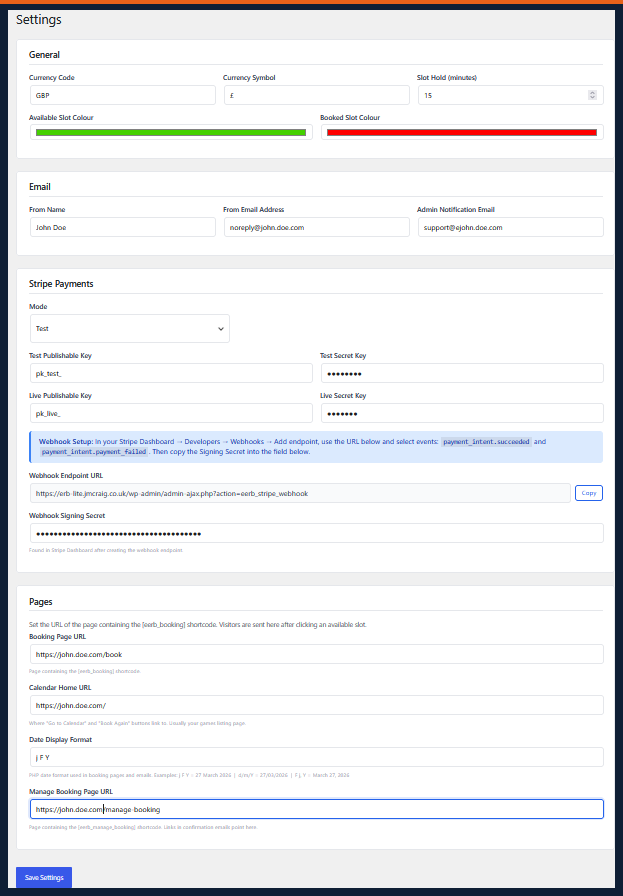
- Stripe payments — secure card payments with webhook confirmation; bookings only confirmed when payment is received
- Slot holds — customer’s slot is held for 15 minutes while they pay, preventing double-bookings
- Per-player pricing — set different prices for each player count per game
- Automated emails — confirmation, change and cancellation emails to customer and admin
- Manage booking page — customers can view, change player count, or cancel via a secure link in their email
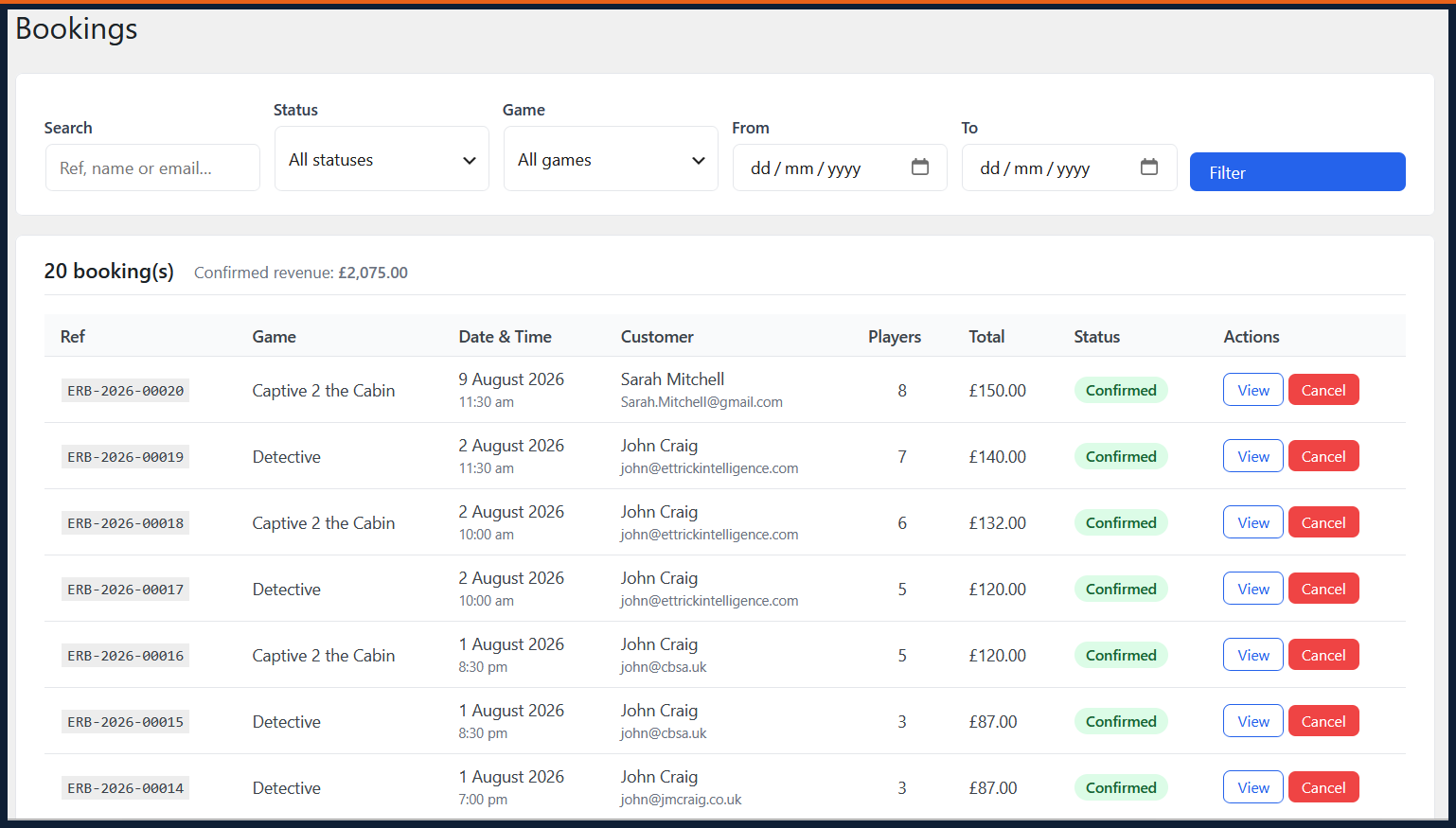
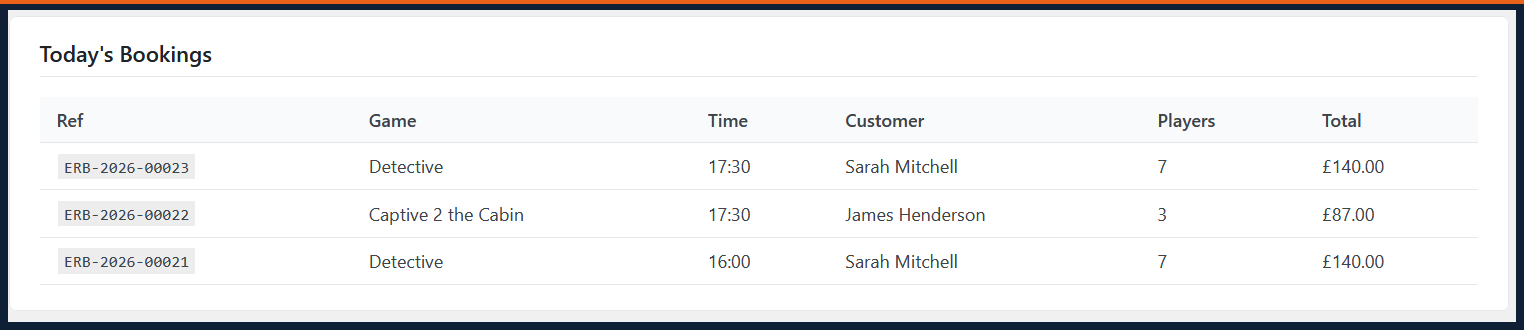
- Admin bookings screen — view, search and cancel bookings
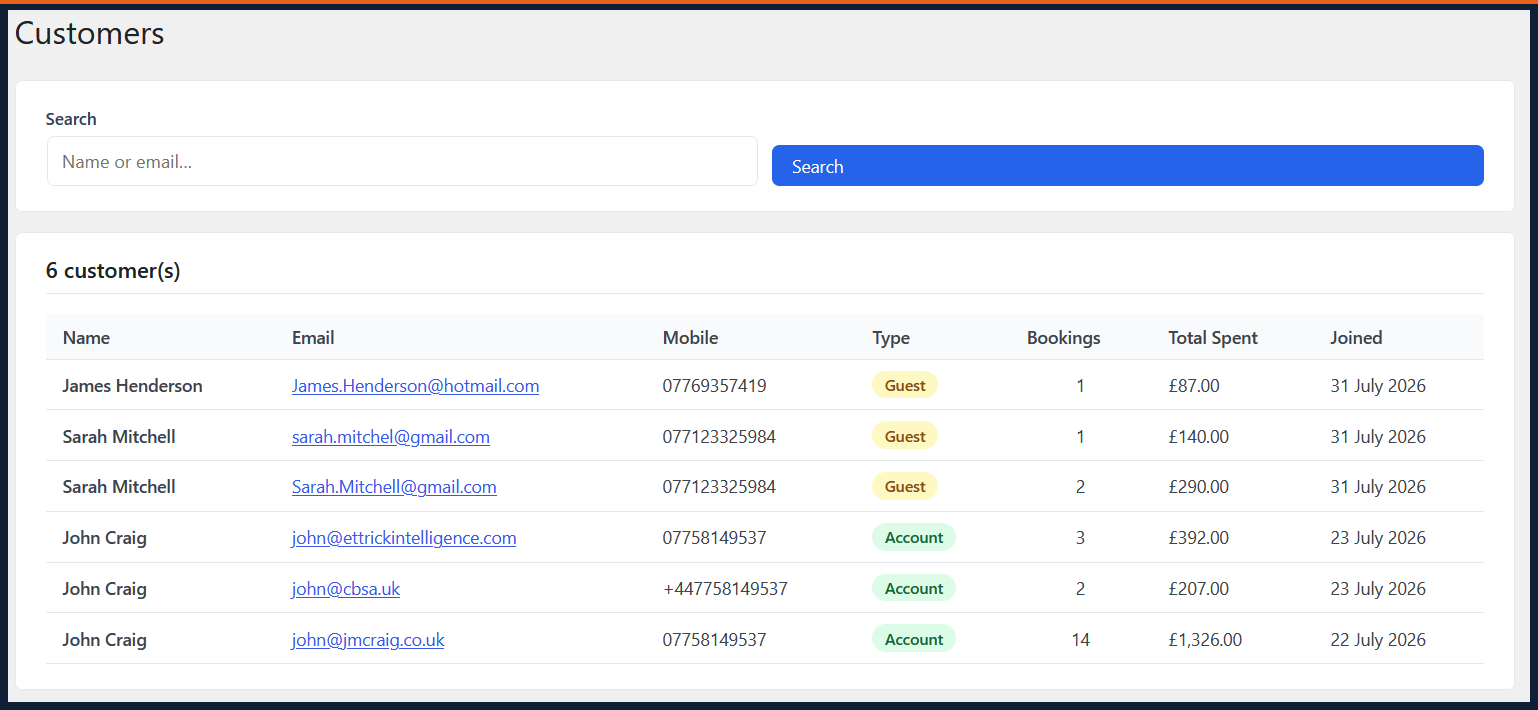
- Admin customers screen — view all customers with booking history
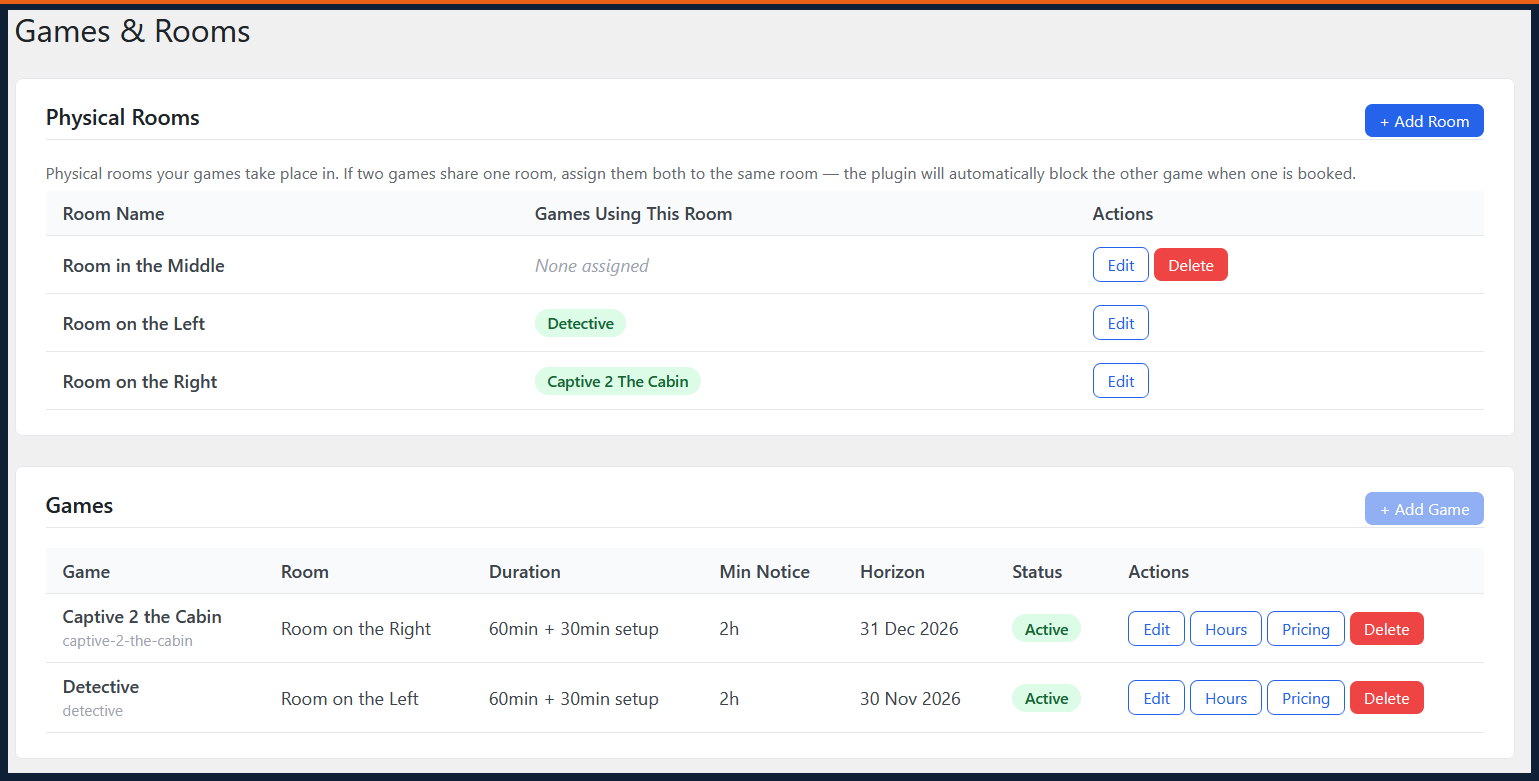
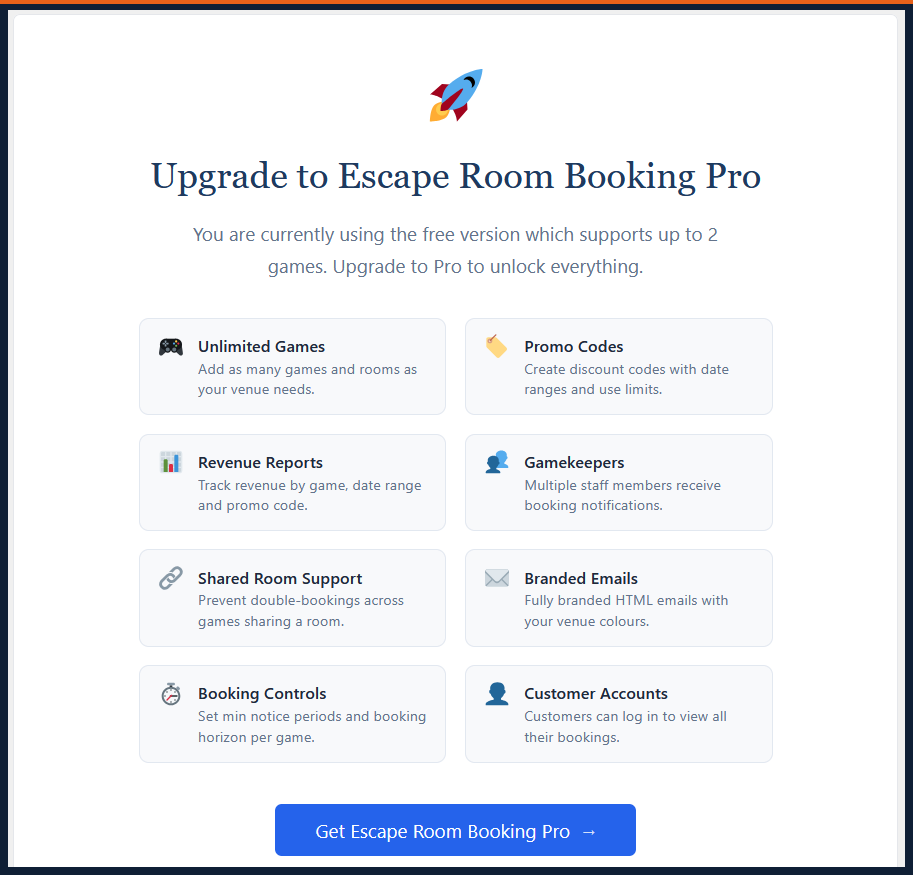
- Up to 2 games supported in the free version
- Note: shared room double-booking prevention requires Pro — in the free version, two games assigned to the same room can both be booked in the same slot
Pro Version
Escape Room Booking Pro adds:
- Unlimited games and rooms
- Promo codes with date ranges and use limits
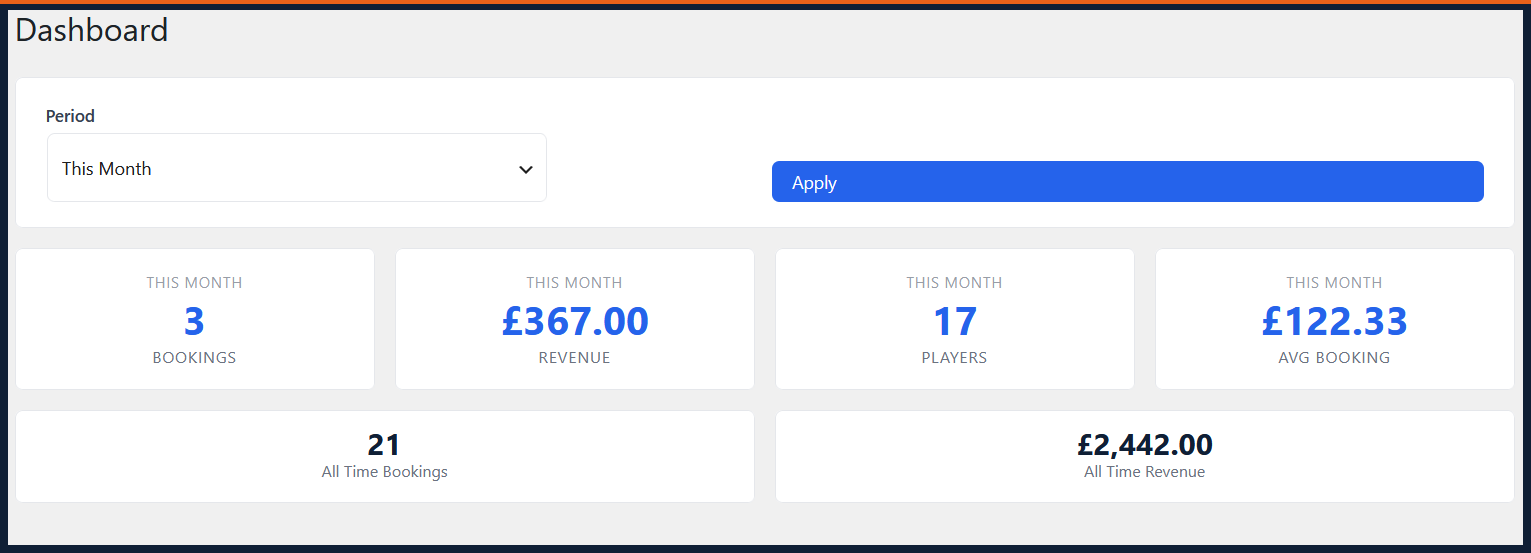
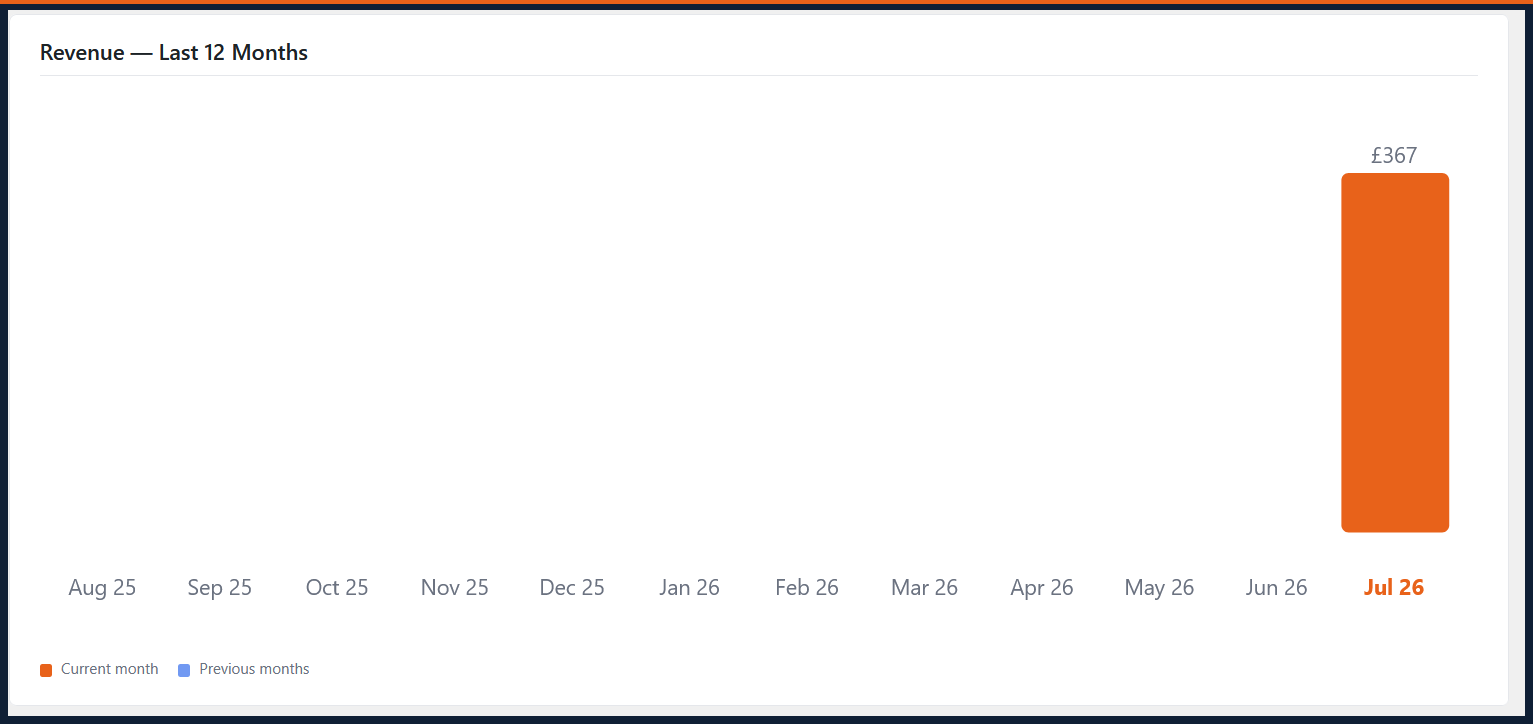
- Revenue reports and analytics
- Gamekeepers — multiple staff notification recipients
- Shared room double-booking prevention
- Branded HTML emails with your venue colours
- Customer accounts
- Booking horizon and minimum notice period controls
- Priority support
Simple Setup
- Install and activate the plugin
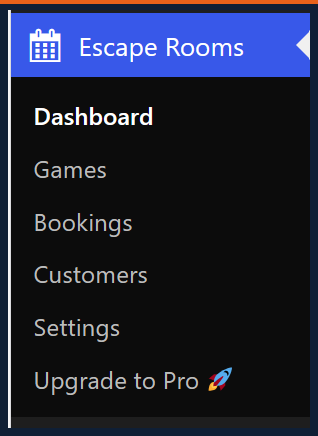
- Add your Stripe API keys in Escape Rooms Settings
- Create three pages: one with
[eerb_calendar game="slug"], one with[eerb_booking], one with[eerb_manage_booking] - Add your game in Escape Rooms Games
- Start taking bookings
Requirements
- WordPress 6.0+
- PHP 7.4+
- A Stripe account (free to create)
- HTTPS on your site (required by Stripe)
External Services
This plugin connects to the following external services:
Stripe — payment processing
This plugin uses the Stripe API to create payment intents and process card payments. When a customer makes a booking, their payment details are submitted directly to Stripe’s servers. Your Stripe secret key is used server-side to create payment intents. Stripe’s privacy policy: https://stripe.com/privacy — Stripe’s terms of service: https://stripe.com/terms
Stripe.js — Stripe’s JavaScript library (https://js.stripe.com/v3/) is loaded on booking pages to securely collect card details. Card data never touches your server.
Escape Room Booking Pro licence server — upgrade prompts only
The free version contains links to https://escaperoombookingpro.com for upgrade information. No data is sent to this server from the free version.
Screenshots
Installation
- Upload the plugin files to
/wp-content/plugins/escape-room-booking/or install via the WordPress Plugins screen - Activate the plugin
- Go to Escape Rooms Settings and enter your Stripe API keys
- Create your WordPress pages and add the shortcodes
- Go to Escape Rooms Games and add your first game
- Visit the documentation for detailed setup instructions
FAQ
-
Do I need a Stripe account?
-
Yes. Stripe processes the payments. Creating a Stripe account is free. The plugin works with any country Stripe supports.
-
How many games can I have on the free version?
-
The free version supports up to 2 games. Upgrade to Escape Room Booking Pro for unlimited games.
-
What shortcodes does the plugin use?
-
Three shortcodes:
*[eerb_calendar game="your-game-slug"]— the availability calendar
*[eerb_booking]— the booking and payment flow
*[eerb_manage_booking]— customer self-service page -
Does it work with my page builder?
-
Yes. Works with Elementor, Divi, Beaver Builder and all major page builders. Use a Shortcode or HTML block.
-
What happens if a customer doesn’t complete payment?
-
Their slot hold expires after 15 minutes and the slot becomes available again automatically. No booking is created.
-
How do refunds work?
-
Refunds are processed manually via your Stripe Dashboard. The plugin sends cancellation emails automatically when a booking is cancelled.
-
Shared room support (preventing double-bookings across games in the same room) is available in Escape Room Booking Pro.
-
Is there a Pro version?
-
Yes — Escape Room Booking Pro adds unlimited games, promo codes, revenue reports, gamekeepers and more. One-time payment, no subscriptions.
Reviews
There are no reviews for this plugin.
Contributors & Developers
“Ettrick Escape Room Booking” is open source software. The following people have contributed to this plugin.
Contributors
Translate “Ettrick Escape Room Booking” into your language.
Interested in development?
Browse the code, check out the SVN repository, or subscribe to the development log by RSS.
Changelog
1.1.8
- Updated tested up to WordPress 6.9
- Removed unused core file include in activator
1.1.7
- Renamed plugin to Ettrick Escape Room Booking
- Fixed PHP syntax error in customers view
- Replaced inline scripts with wp_add_inline_script()
- Sanitization improvements throughout
- Text domain updated
1.1.1
- Improved 2-game limit UX — greyed button with inline notice
- Fixed slot hold timezone mismatch on servers using UTC
- Improved error messages
1.0.0
- Initial release